Announcements, documents & notifications
Three ways the site keeps your team informed — and how to reach exactly the right people without spamming everyone else.
Announcements
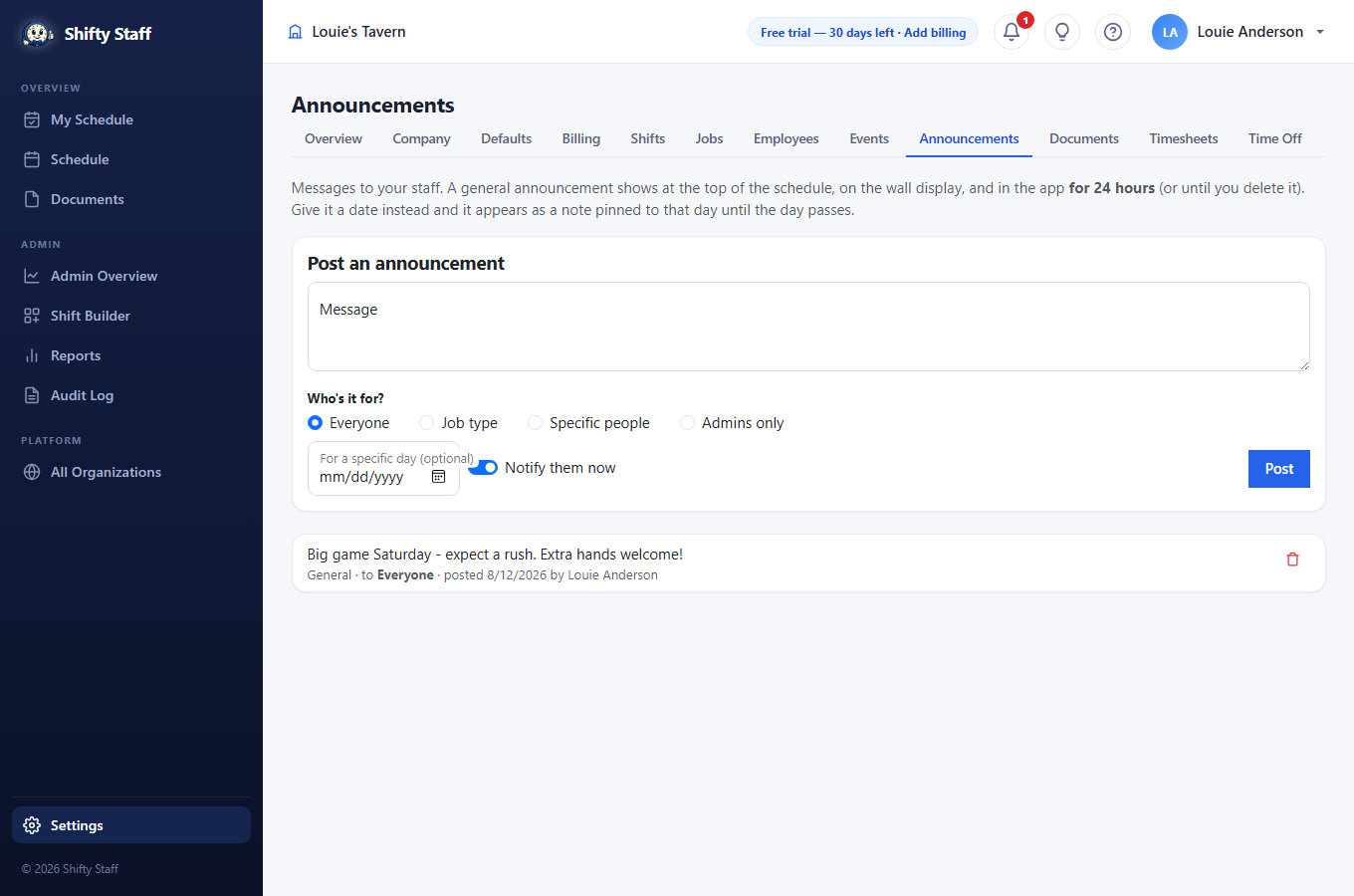
- A general announcement (no date) banners the schedule and the app for 24 hours, then tidies itself away. Give it a date instead and it pins to that day — "Game day Saturday, expect a rush".
- Who's it for? Everyone; one or more job types (check Kitchen and Bartender and only those crews see it); specific people (type names, pick from the list); or admins only. The audience controls everything — who's notified and who sees it. Only "everyone" posts appear on the shared wall display.
- Leave Notify them now on to ping the audience's phones (and text the folks without the app); switch it off for quiet notes.
Documents
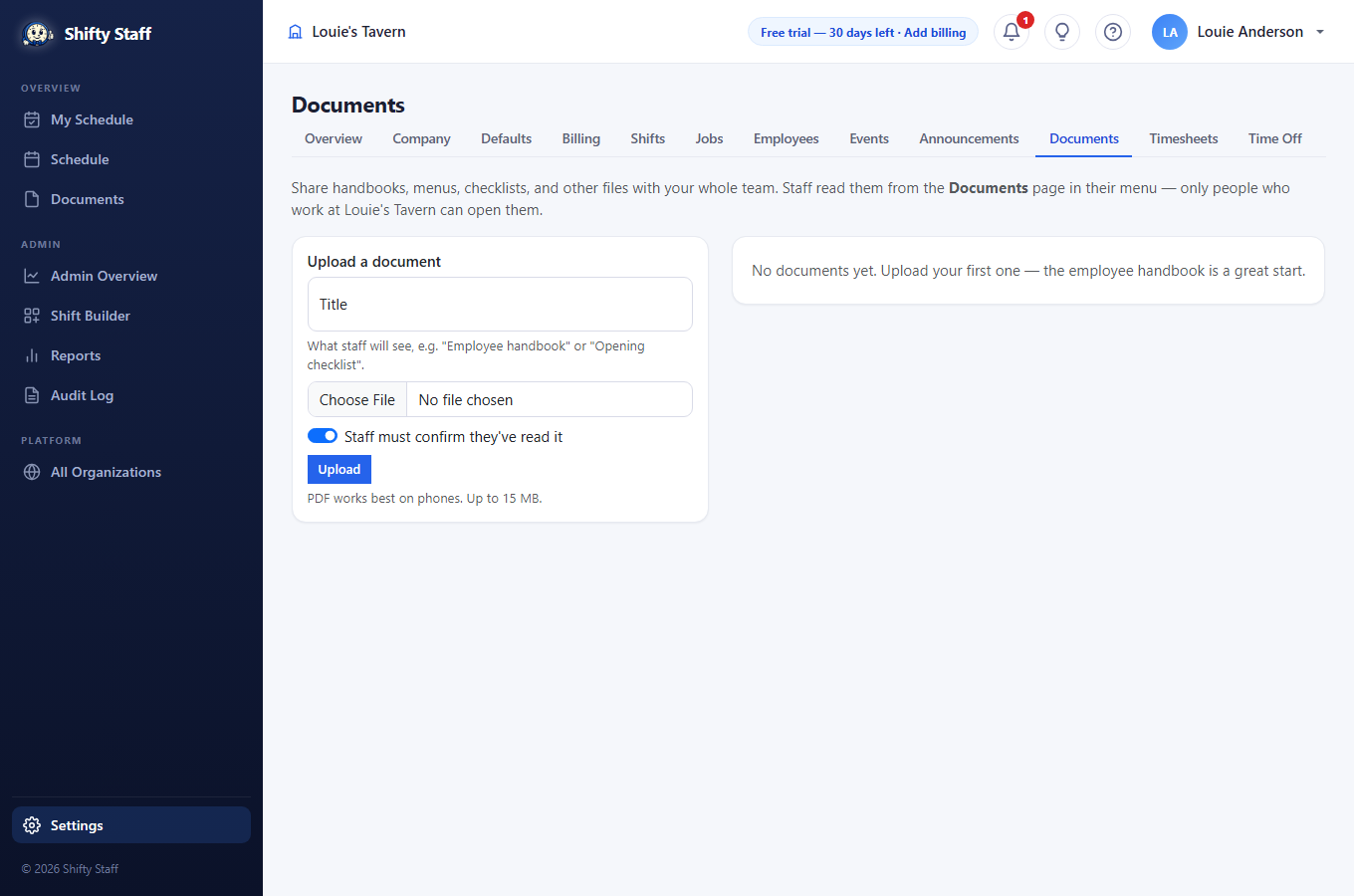
Upload handbooks, menus, and checklists under Settings → Documents; staff read them on their Documents page and in the app. Mark a document as must-read and everyone is notified to open it and press "I've read this" — your side shows exactly who has read it, when, and who still hasn't. Uploads without the must-read flag stay quiet.
The notification bell 🔔
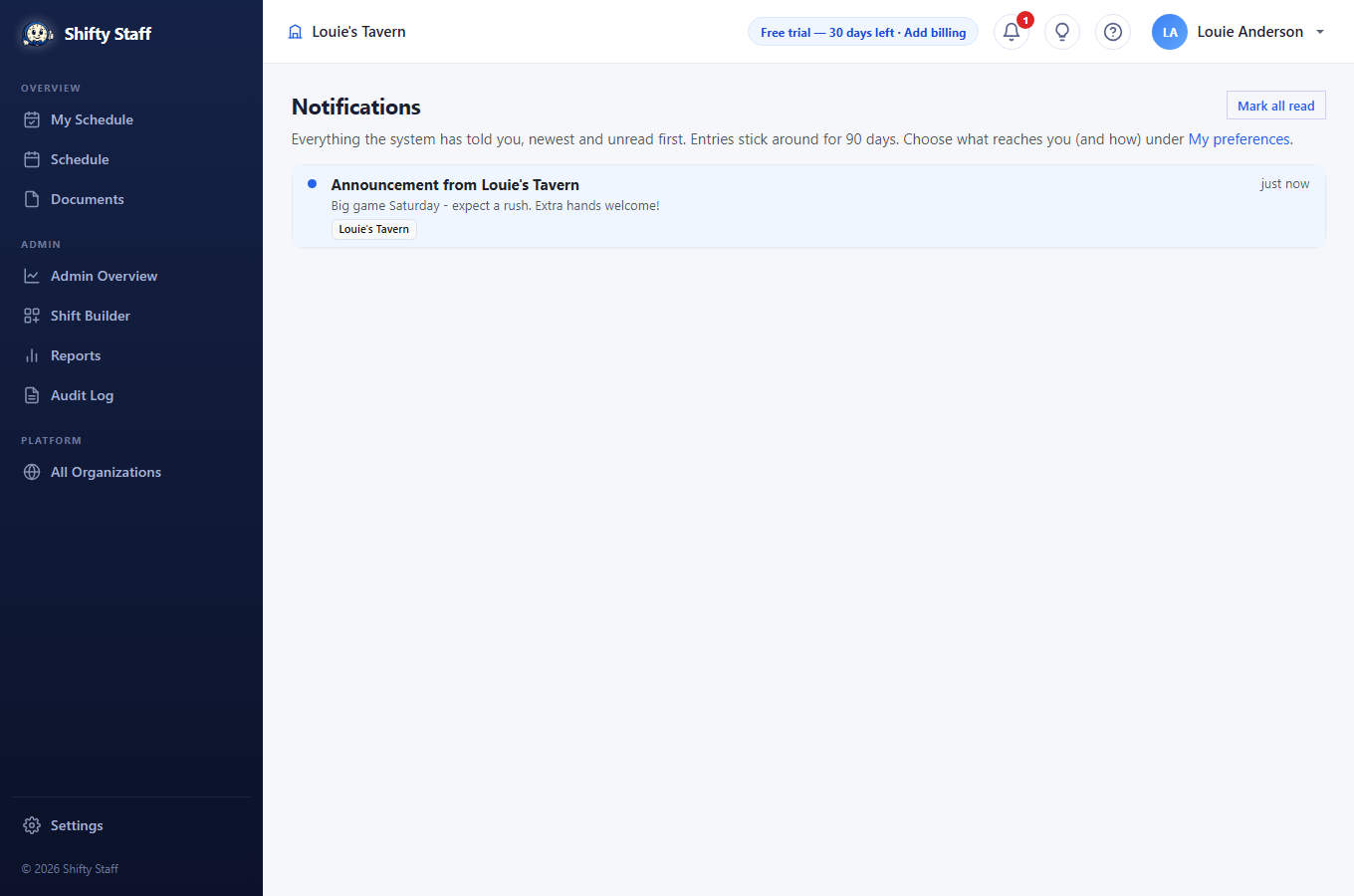
Everyone has a bell at the top of every page with an unread counter. It's the permanent record of everything the system told them — open shifts, schedule changes, trades, time-off decisions, documents to read — for 90 days. Click an entry and it jumps to the page it's about.
And everyone controls their own noise: on My Preferences, each person picks how they're reached (email, app notifications, texts) and which topics they hear about at all. Texts are only ever used for people without the app.
Reminders — the jobs that aren't on any shift
Change the air filters every 30 days. Renew the liquor license on the 1st. Deep-clean the walk-in monthly. None of these belong to a shift, but all of them have to happen. Settings → Reminders is where they live.
- Setting one up: what needs doing (plus any details — where the filters are, what size), a start date (the first time it's due — it can be weeks away), and how often: one time only, or repeat every so many days or weeks — "every 30 days", "every 4 weeks", whatever the real rhythm is. Repeating reminders can end on a date or never.
- Who gets reminded: just the owner and admins, or everyone on staff — for things like "everyone: check the fire extinguisher tags".
- When it comes due: the audience gets a notification, and the reminder shows on the Reports page (and on staff's My Schedule for everyone-reminders). Press ✓ Done — with an optional note — and the site records who and when, then lines up the next occurrence. It counts from the due date, so doing it three days late doesn't drift the schedule.
- Missed one? It stays overdue, in red, until someone marks it done. Nothing is skipped silently. Pause a reminder for the season and resume it later; delete removes it and its history.