Time off & availability
Three different things keep people off the schedule at the right times — it's worth knowing which is which.
1 · Time off — "I need these days off"
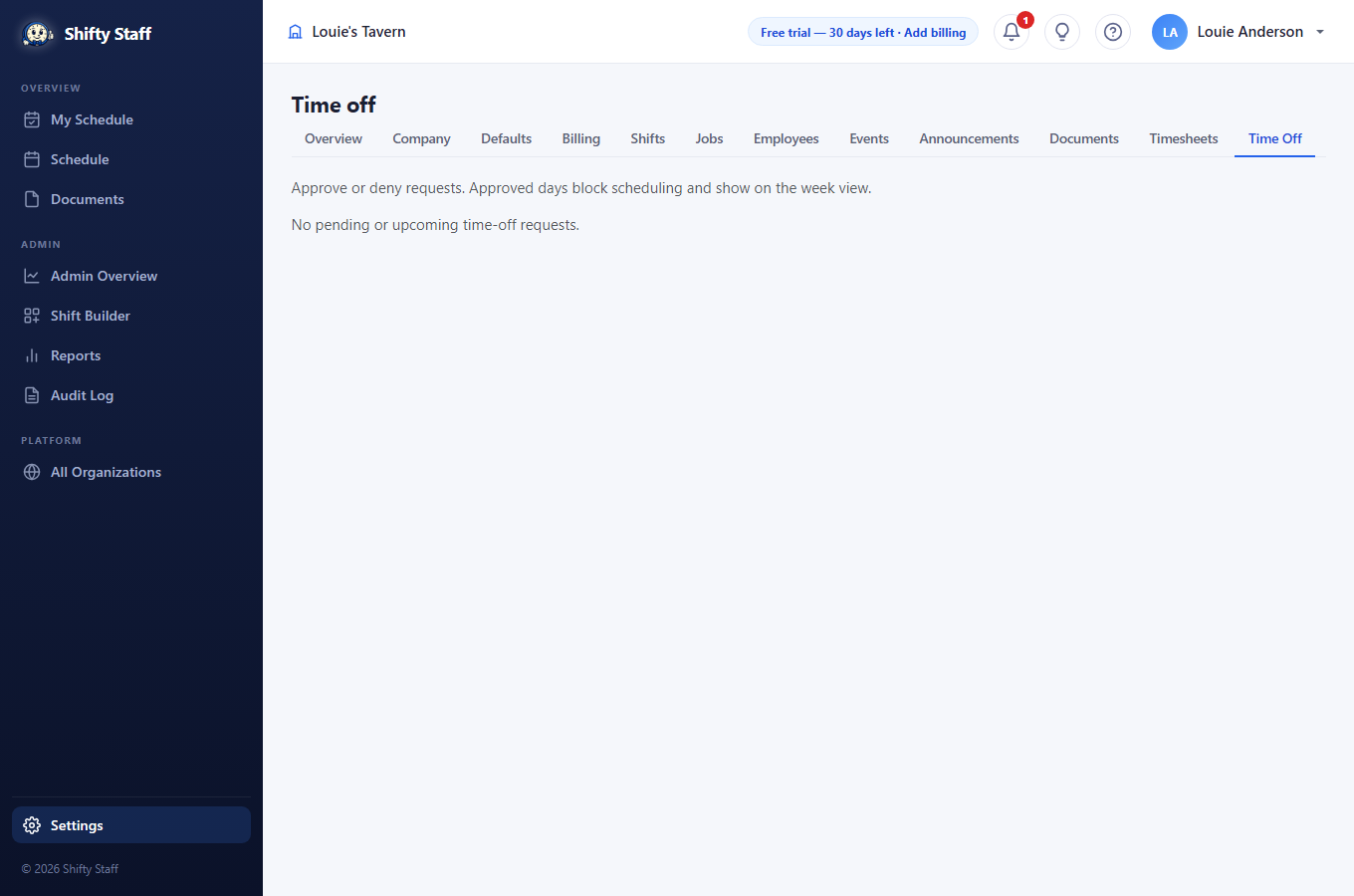
An employee requests specific dates (from My Schedule on the website, or the app). You approve or decline under Settings → Time Off — requests also appear on your Reports page so nothing waits unseen. The employee hears the decision instantly.
- Approved days show on the schedule, and the site warns you if you try to schedule someone during them.
- The automatic scheduler treats approved time off as a hard rule — it never schedules over it.
- If someone works at two of your locations, each location decides its own requests — asking off at one doesn't ask off at the other.
2 · Availability — "I can never work Tuesdays"
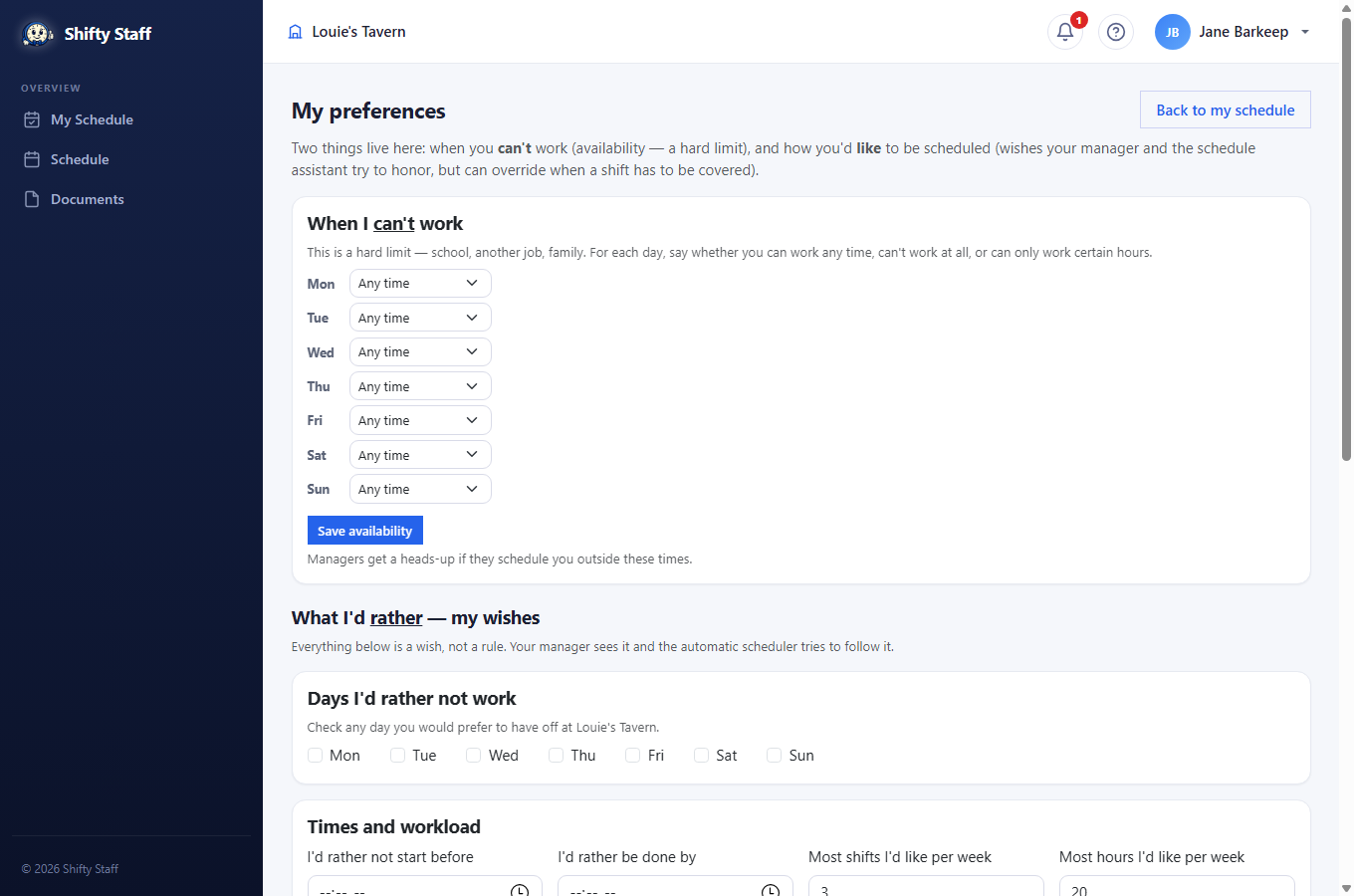
The employee's own weekly pattern, set on their My Preferences page: for each weekday, "any time", "can't work", or "only between certain hours". Think school schedules, second jobs, childcare. It's a hard limit: managers get a clear warning when scheduling outside it, and the assistant won't do it at all.
3 · Wishes — "I'd rather not close on Sundays"
Everything else on My Preferences is a wish, not a rule: days they'd prefer off, earliest start and latest end, most shifts or hours per week, coworkers they'd rather not share a shift with (private — the coworker is never told), and a free note in their own words. You see all of it — on their employee page and in the assistant — and you can override any wish when a shift has to be covered; the site just makes the trade-off visible with a ⚠ badge.